Overview#
Kedapix compresses the most chaotic part of creative operations (jumping between briefs, prompts, edits, and renders) into one opinionated pipeline. This tour walks through what a single sprint looks like so your team can hand demos a link instead of a patchwork of docs.
Kedapix vs. generic AI tools#
| Kedapix | Generic AI tools | |
|---|---|---|
| Sources | Curated research graph with access control per topic | One-off uploads with little provenance |
| Automation | Research → prompt → render hand-offs driven by agents | Manual copy/paste between assistants |
| Auditability | Every decision is logged alongside vector references | Hard to prove where insights originated |
| Publishing | Remotion queue, Supabase storage, and share links baked in | Separate apps for editing, QA, and delivery |
Dashboard + Prompt Builder#
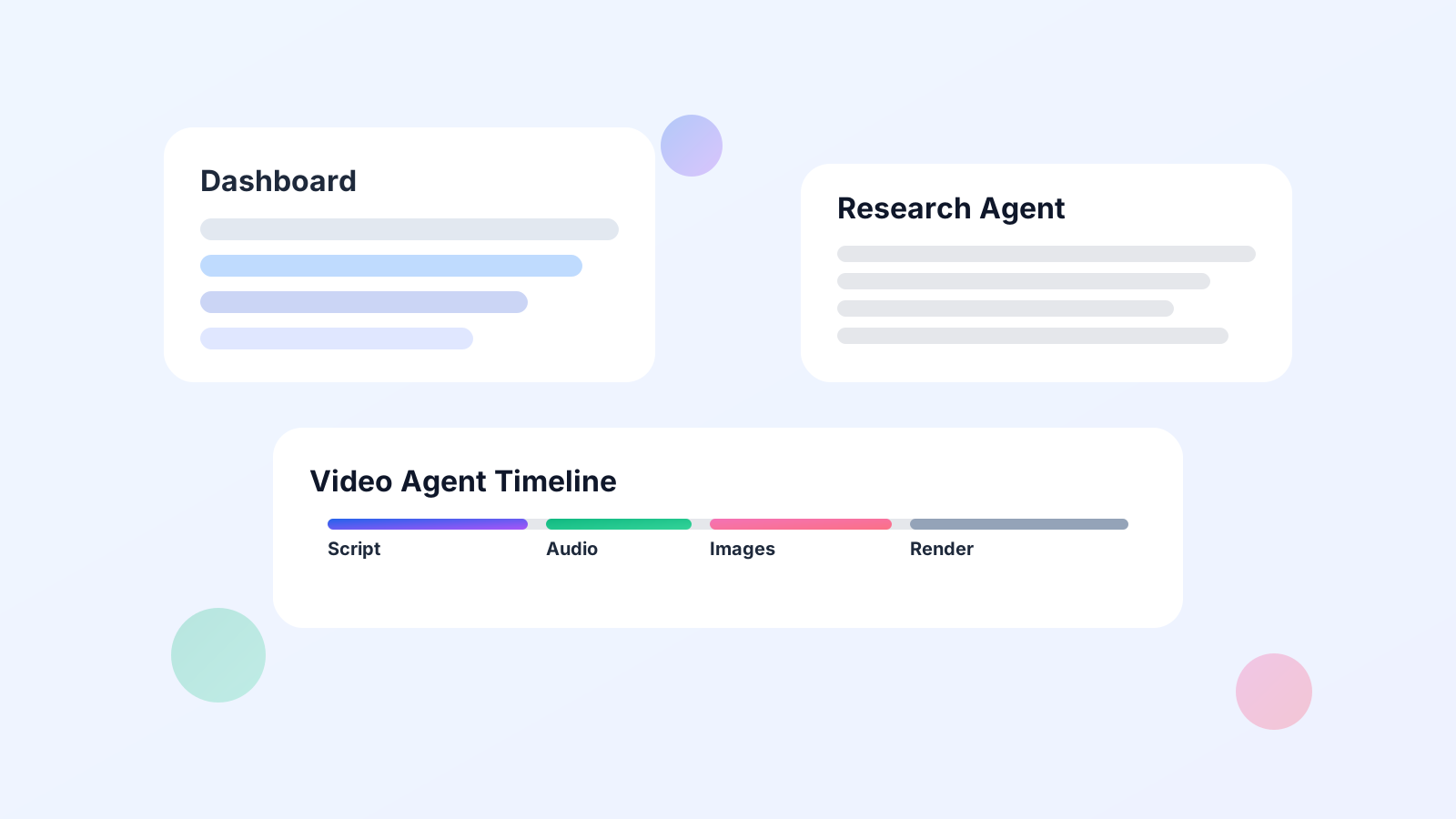
The dashboard is the control room: topic health, quota status, and the prompt builder live side by side. Editors can pin what matters: latest research packets, approved hooks, or quota alerts, without leaving the same page where they shape the next brief.
Prompts are versioned like code, but no IDE is required. You can stage a “What’s new in EV incentives” script, preview the voiceover scaffolding, and hand it directly to the research agent with one click. Kedapix also enforces usage notes (“Don’t mention price drops until legal review clears”) across every agent, so nothing slips through cracks in the chat log.
Research Agent#
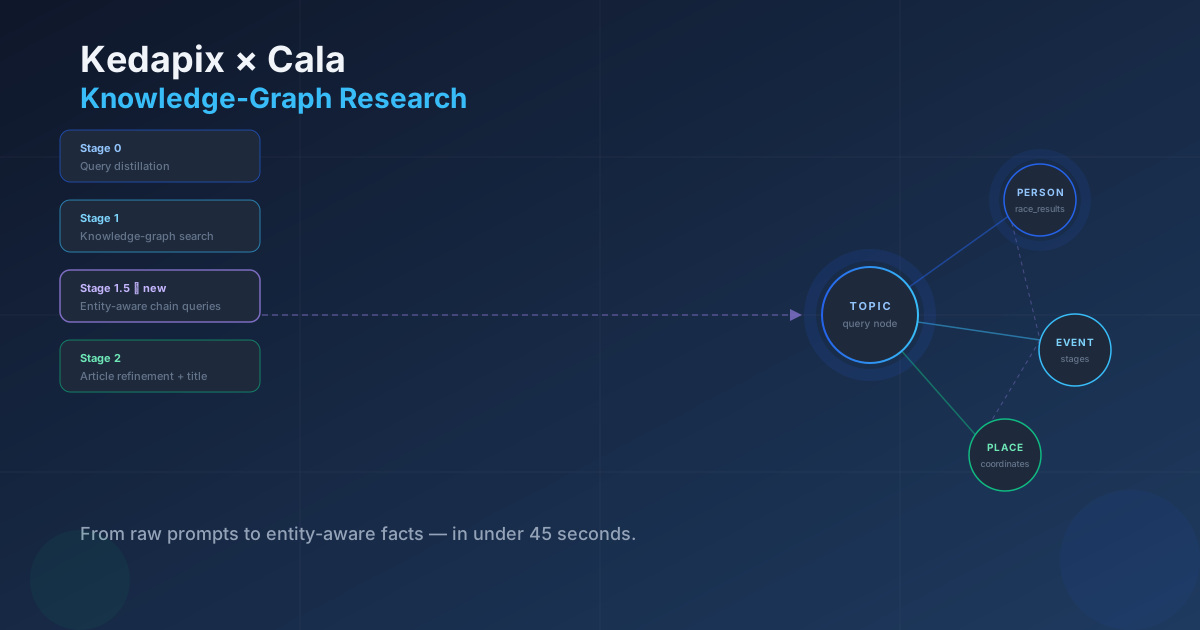
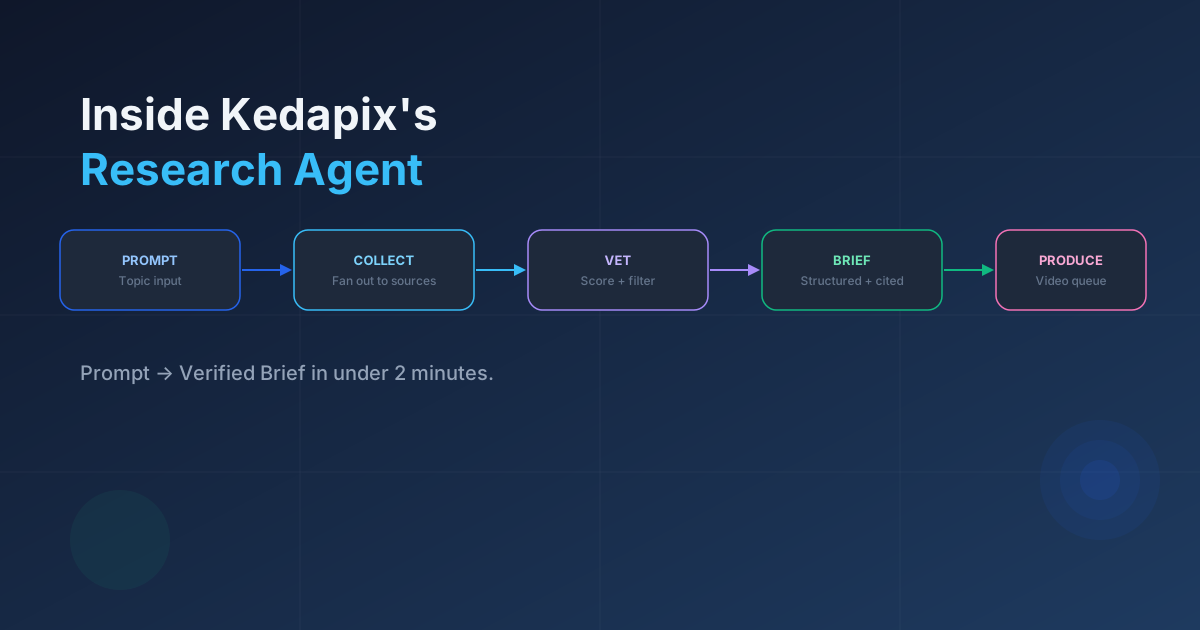
Once a prompt is staged, the research agent fans out to trusted corpora (creator libraries, SEC filings, branches from internal wikis) and returns structured findings that map to each talking point. Analysts never have to wonder which paragraph powered a claim; Kedapix stores the citations, embeddings, and human overrides in one tray.
“Kedapix gives us six publish-ready research packets per week with two researchers instead of five, because the agent handles the grunt work of sourcing clean transcripts and flagging contradictions.
”
Because each topic tracks freshness windows, the agent avoids stale insights and flags anything older than its allowed cadence. Operations teams can approve or reject sources inline, and those signals retrain how the agent scores similar documents in the next sprint.
Video Agent#
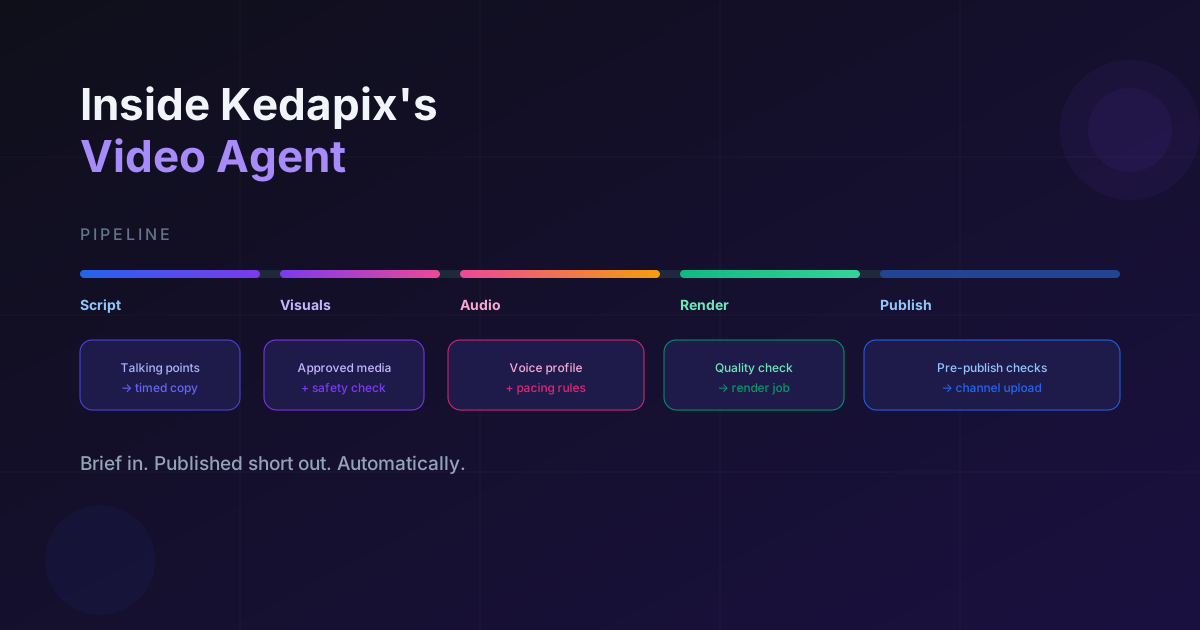
Approved research slides directly into the video agent. Kedapix sequences voiceover, selects imagery, and queues Remotion renders without forcing designers to recreate timing charts. Operators see a single job timeline: script validation, audio generation, image selection, render, and distribution.
A lightweight comparison view lets reviewers scrub between LLM storyboard suggestions and the final Remotion frames, so edits are anchored to the same timestamps the agent used. You can nudge segments (“swap the market share graphic at 00:32”) and instantly rerun that slice without restarting the entire job.
Quality Guardrails#
Quality is layered instead of bolted on. Kedapix injects policy snippets (brand compliance, platform safety guidelines, disclosure rules) directly into system prompts. During renders, it cross-checks transcripts against those guardrails and blocks publication when claims drift.
The guardrail log spells out every intervention: which sentences were softened, why a shot was swapped, and which reviewer resolved it. Legal and comms teams finally see a diff instead of a mysterious “final” file. When you do approve a change, Kedapix backfills the vector store so the same correction is caught even faster the next time.
How to Try It#
Pilot customers get the entire stack (the dashboard, both agents, and the Remotion pipeline) behind a secure workspace. You can start with a single topic, wire up a Supabase project, and expand to multiple brands once the first sprint lands.
Prefer a guided walkthrough? Book a chat with us and we will show the live dashboard, agent logs, and review queue end-to-end.
You will also receive the weekly digest recapping research wins, new automation recipes, and upcoming office hours so the rest of your org can follow along.